2.3.8.1 Macro Recorder Menu 
Keyboard macros offer workflow automation in Emacs in a “no-code” fashion. Anju showcases this capability by providing a menu of keyboard macro commands in the menu bar Tools menu.
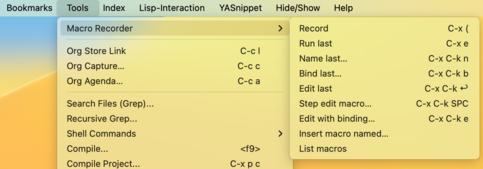
Note that both keystroke and mouse menu actions can be recorded by a keyboard macro.
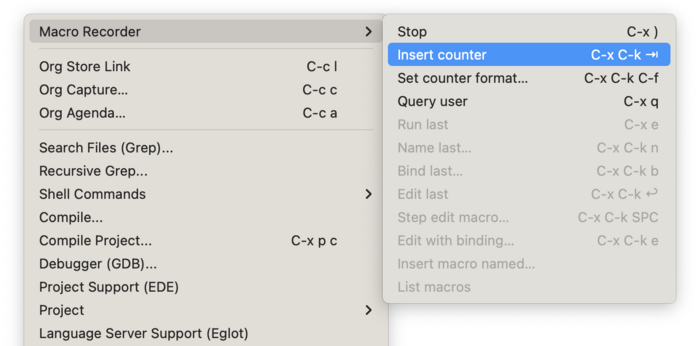
When recording a keyboard macro, the menu is modified to provide access to counter and query user (prompt) commands.
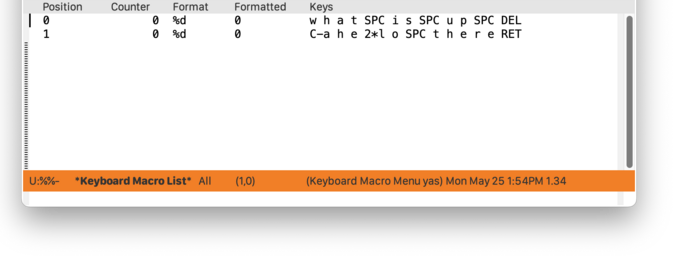
If multiple keyboard macros are defined, they can be managed using the “List macros” (kmacro-menu) menu item. The window named “✻Keyboard Macro List✻” will be displayed.
For more reading on keyboard macros, see (emacs)Keyboard Macros.